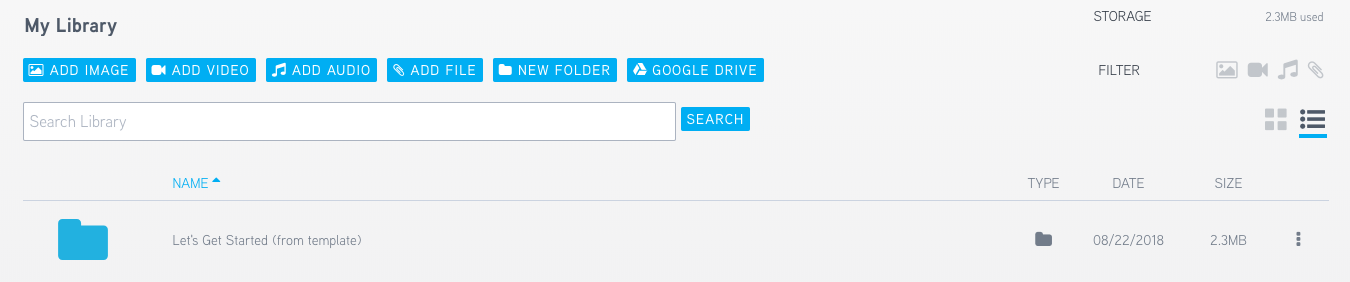
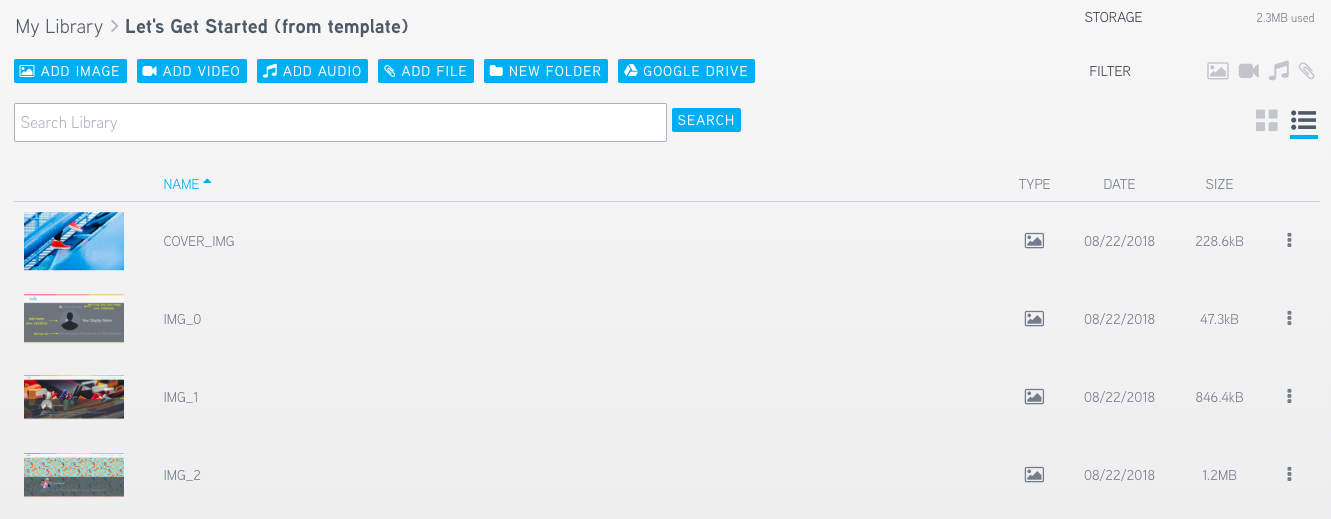
1. To open a folder in your Asset Library, only click once, NOT TWICE.
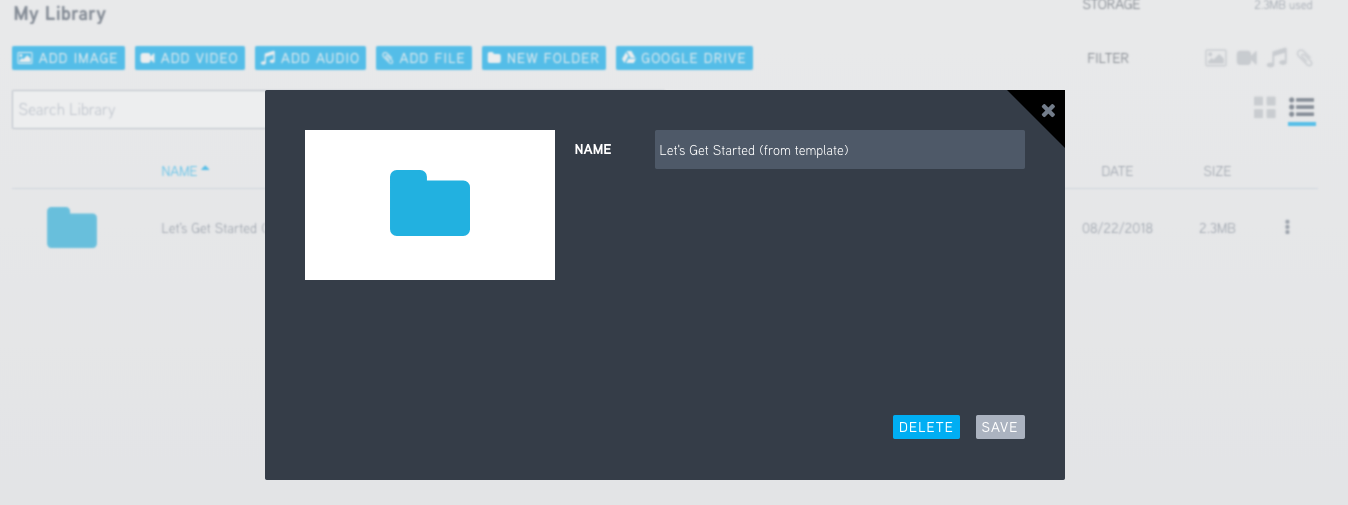
2. If you double click, it will pull up this screen:

1. To open a folder in your Asset Library, only click once, NOT TWICE.
2. If you double click, it will pull up this screen:
Comments
0 comments
Please sign in to leave a comment.