
Move pages to a collection
Note: Only existing pages that are "not in a collection" can be added to a collection.
To add existing pages to a collection, please move them to the Home first.
- Open a collection.
- Tap the
 Add Item button in the bottom right corner.
 - Select Existing Item.
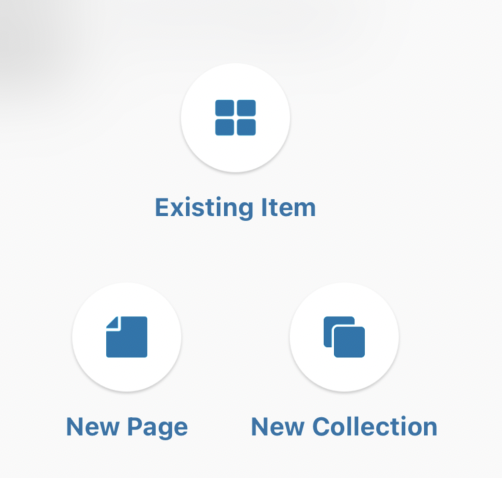
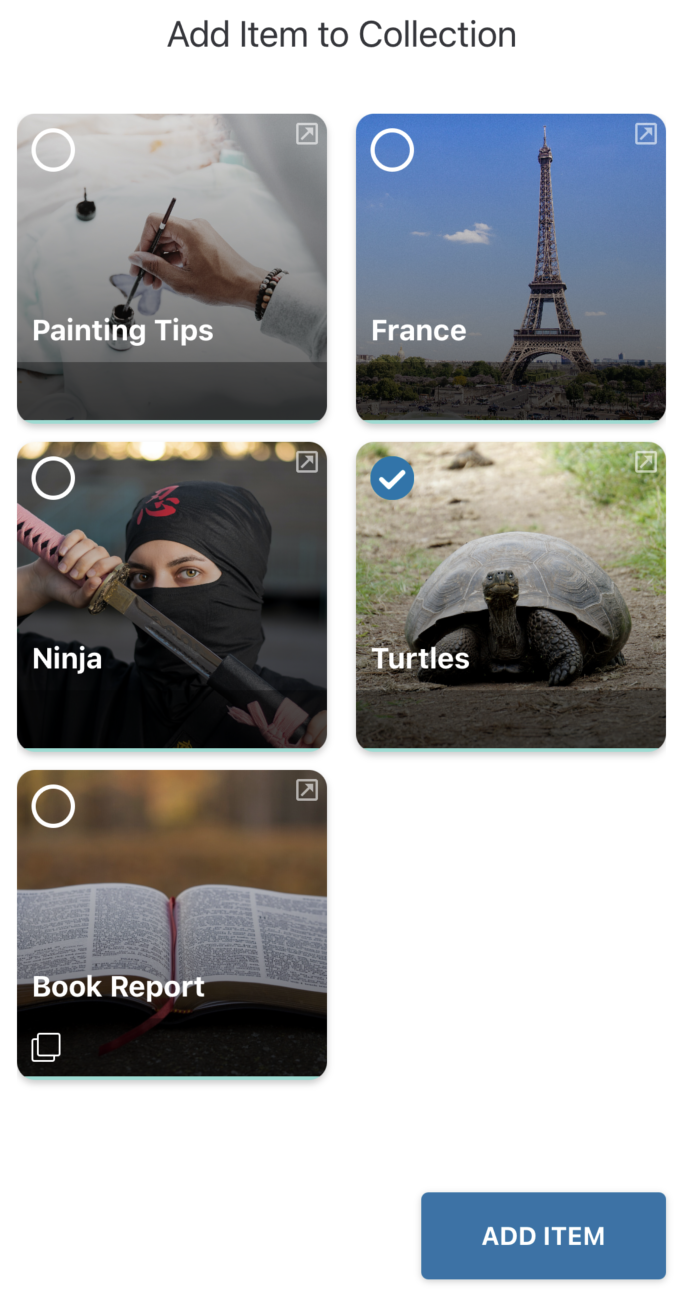
- Select the Page or Collection you want to add.
Remove an Item from a collection
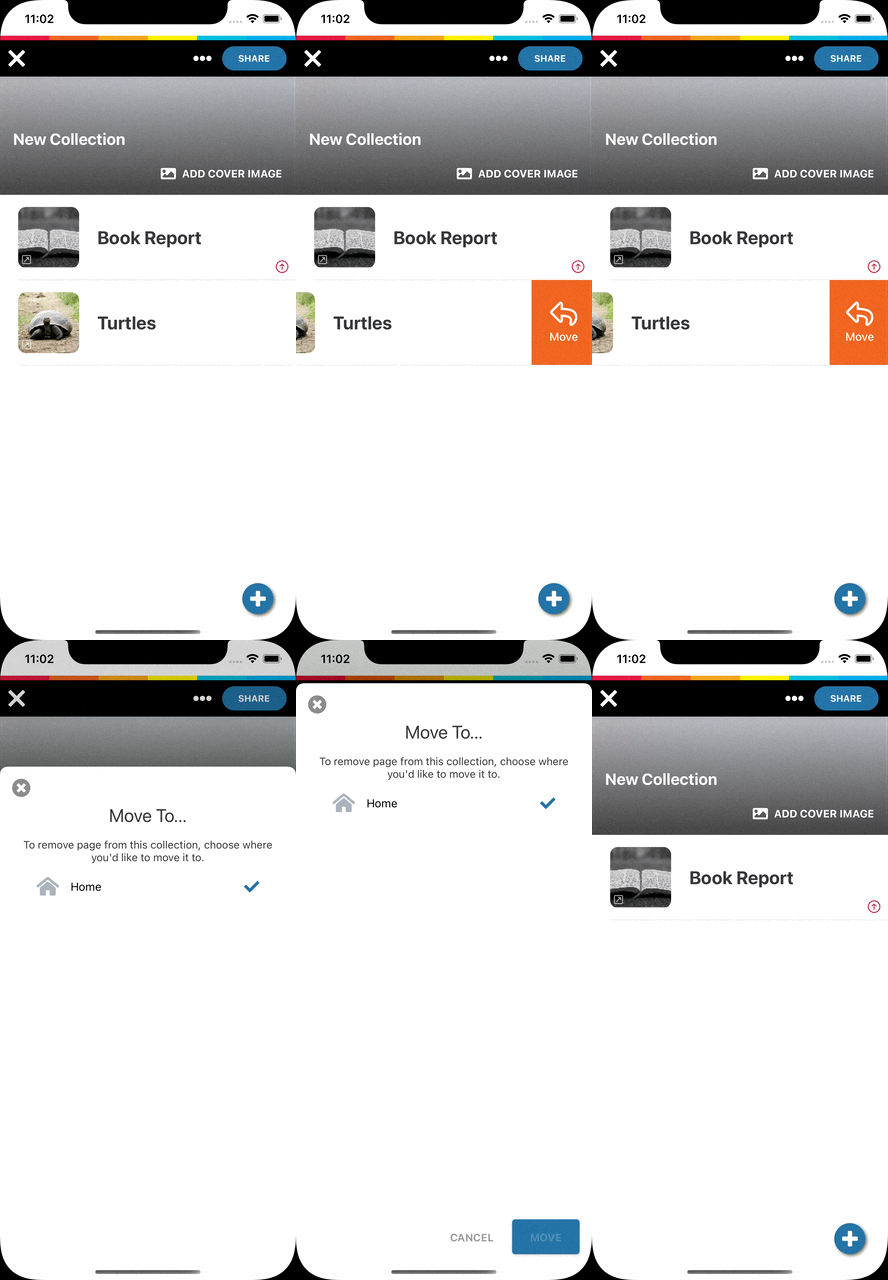
- Open a collection.
- Swipe a page or collection to the left to reveal the Move button.

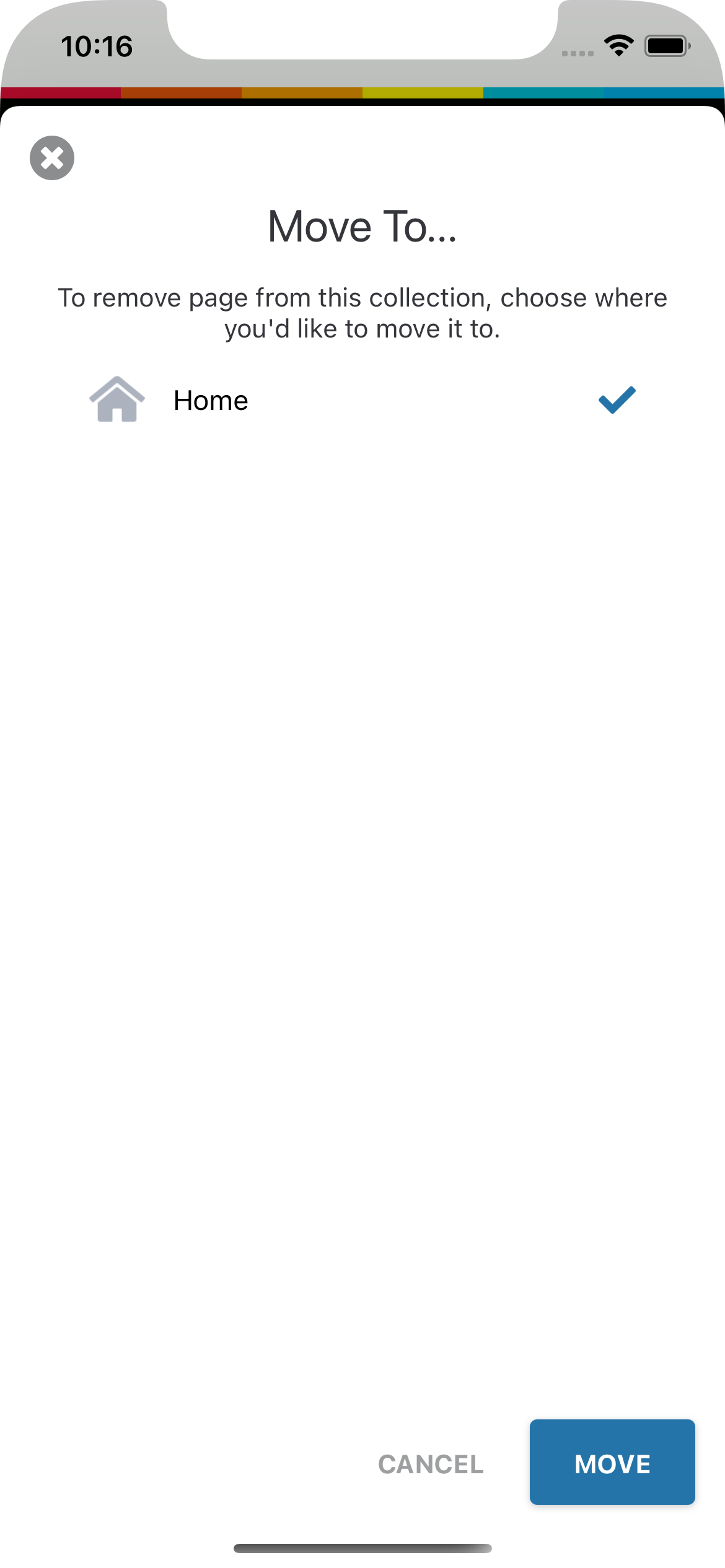
- Tap Move and select Home.
Comments
0 comments
Please sign in to leave a comment.